> ## Documentation Index
> Fetch the complete documentation index at: https://sendcloud.dev/llms.txt
> Use this file to discover all available pages before exploring further.
# Connect your carrier contract
You can connect your own direct carrier contract with your Sendcloud account, so you can create shipping and return labels through the API using your pre-negotiated rates.
**Beta**: You can now upload your own carrier pricing to Sendcloud so that you'll be able to retrieve your own rates
when you retrieve shipping methods via the API. For more information, see our [help
center](https://support.sendcloud.com/hc/en-us/articles/5163547066004-How-to-upload-your-own-prices-from-your-direct-carrier-contract).
## How to enable your own carrier contract
1. [Log in](https://account.sendcloud.com/login/) to your Sendcloud account.
2. In the [Carriers](https://app.sendcloud.com/v2/shipping/carriers/list) section of your account, find your carrier in the list and click **Add contract**.
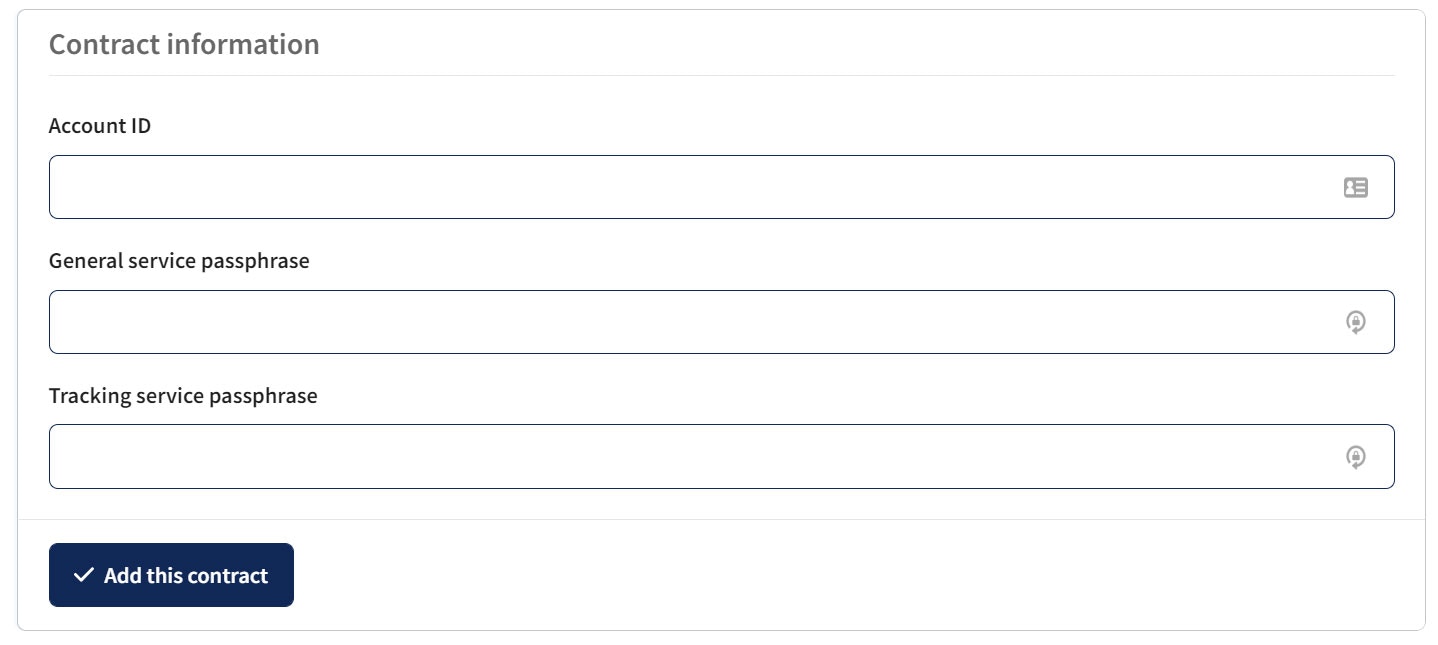
3. Enter your carrier contract information in the relevant fields and click **Add this contract**.
You can repeat the steps above to add as many direct contracts as you like.
 Our help center has more information on [how to add contracts for specific carriers](https://support.sendcloud.com/hc/en-us/categories/360001511752-Carriers-).