Beta: You can now upload your own carrier pricing to Sendcloud so that you’ll be able to retrieve your own rates
when you retrieve shipping methods via the API. For more information, see our help
center.
How to enable your own carrier contract
- Log in to your Sendcloud account.
- In the Carriers section of your account, find your carrier in the list and click Add contract.
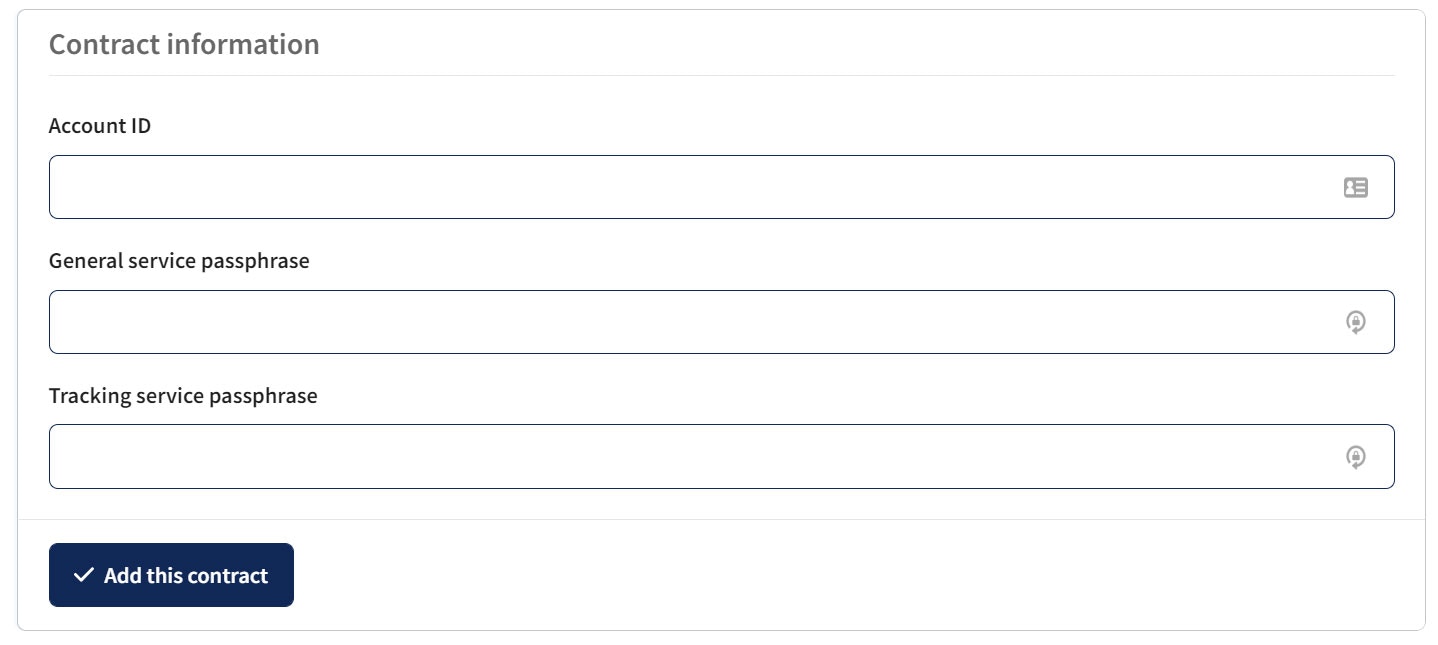
- Enter your carrier contract information in the relevant fields and click Add this contract.